Watermark Photos Or Videos
Watermark Soft is a fully-featured solution for visually watermarking images in batch mode for your Win/Mac/Linux or mobile devices.
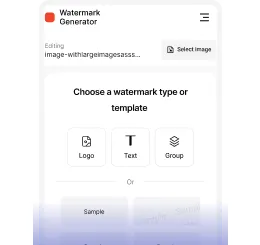








Add Text to Photo or Video

Insert Logo to Photo or Video

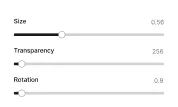
Customize Watermark Settings

Export Settings

Batch Watermarking

Automatic Watermark Scaling

Create Copyright Metadata

Use Built-In Logos and Fonts

Add Watermark Effects

Position Watermarks Automatically and Manually

Make Transparent Watermarks

Fill a Photo with Tiled Watermarks

Supported Formats
Upload Files


Customize Watermark

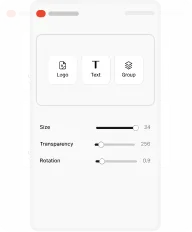
Export Copies


Want to learn more?
Explore the full 7-step guide below.


Protect Your Photos and Videos in 7 Steps
Follow this quick guide to create and apply your watermark in just minutes. Easy, clear, and effective.
Step 1
Choose what you want to protect
Decide whether you need to watermark photos or videos. Protecting your files early helps prevent unauthorized use and secures your content’s copyright.

Step 2
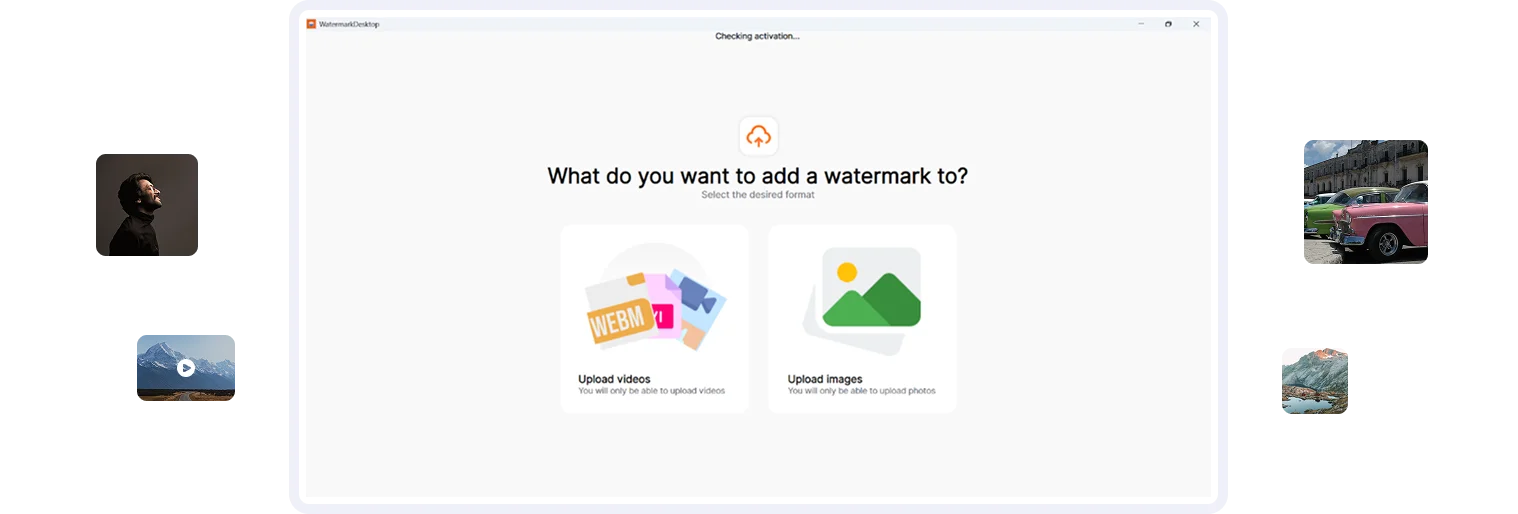
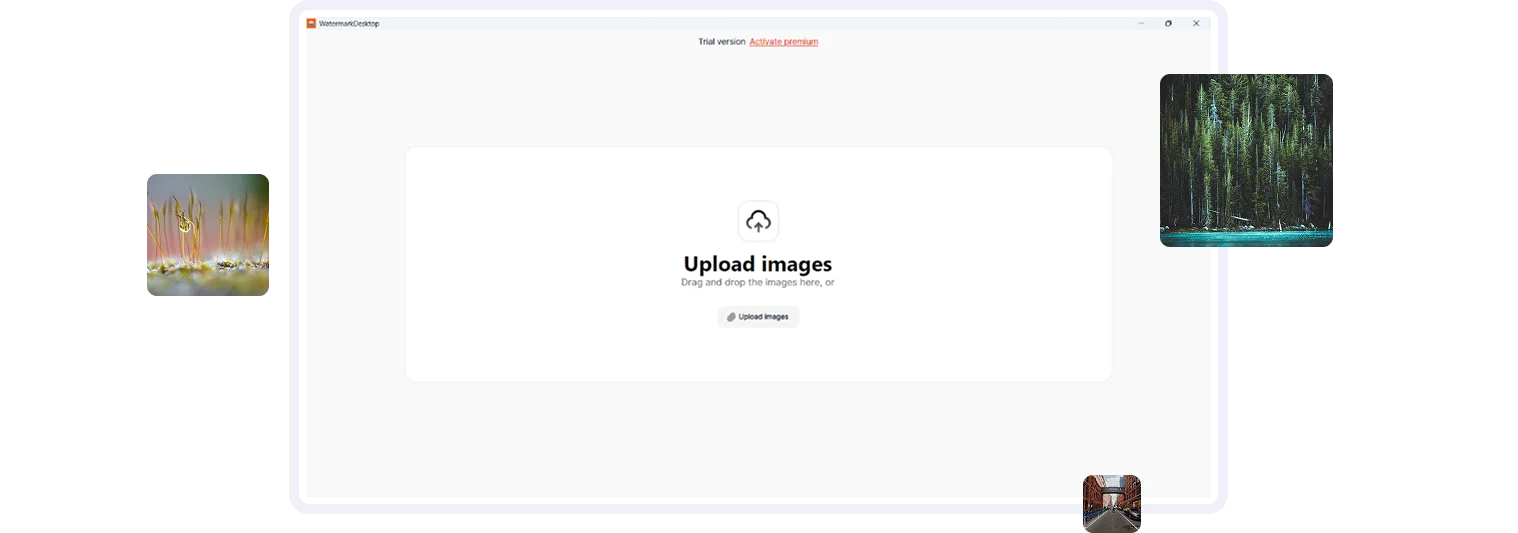
Upload your files
Click the upload button to add images or videos from your device. Our batch watermarking feature allows you to upload hundreds of photos or large video files at once, saving time and effort.

Step 3
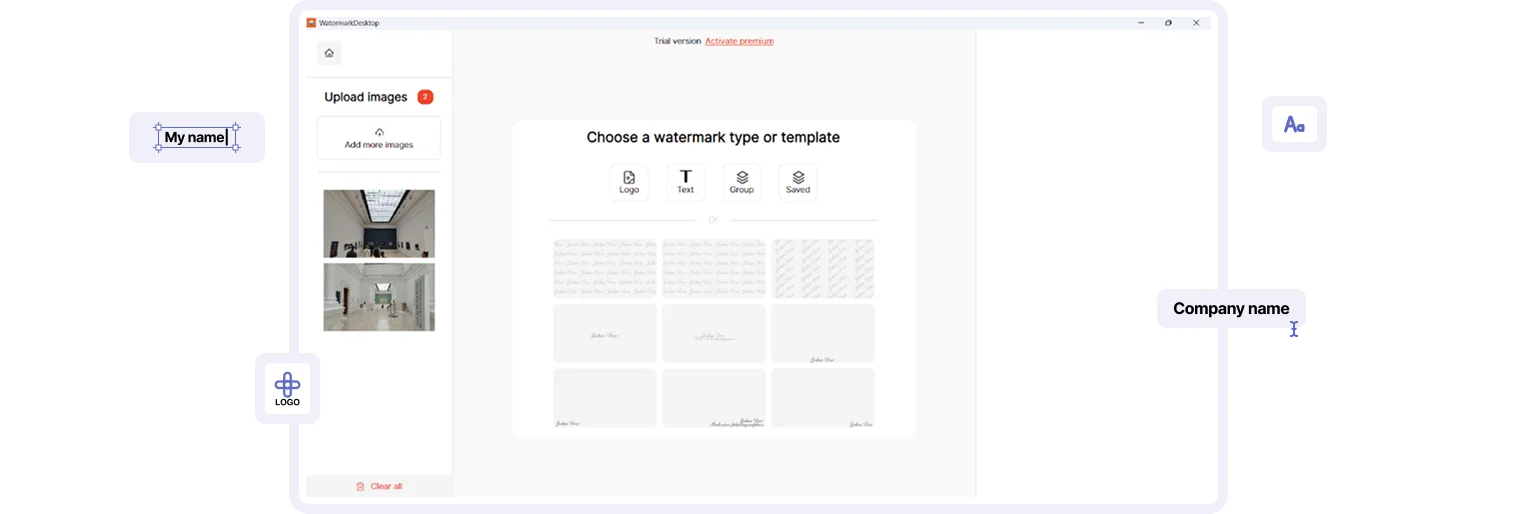
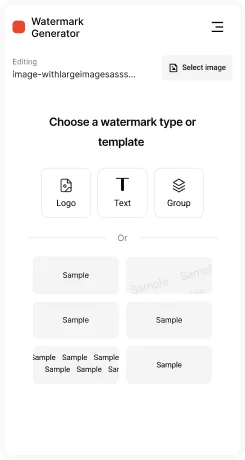
Select what you want to add
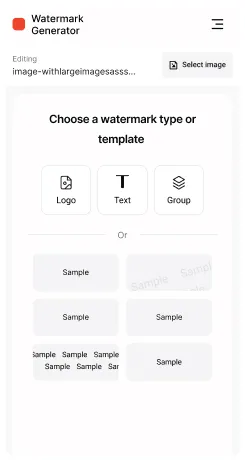
Add a text watermark, upload your logo, or choose from ready-made watermark templates. Whether you’re branding your images or securing your videos, you’ll find the right option.
Step 4
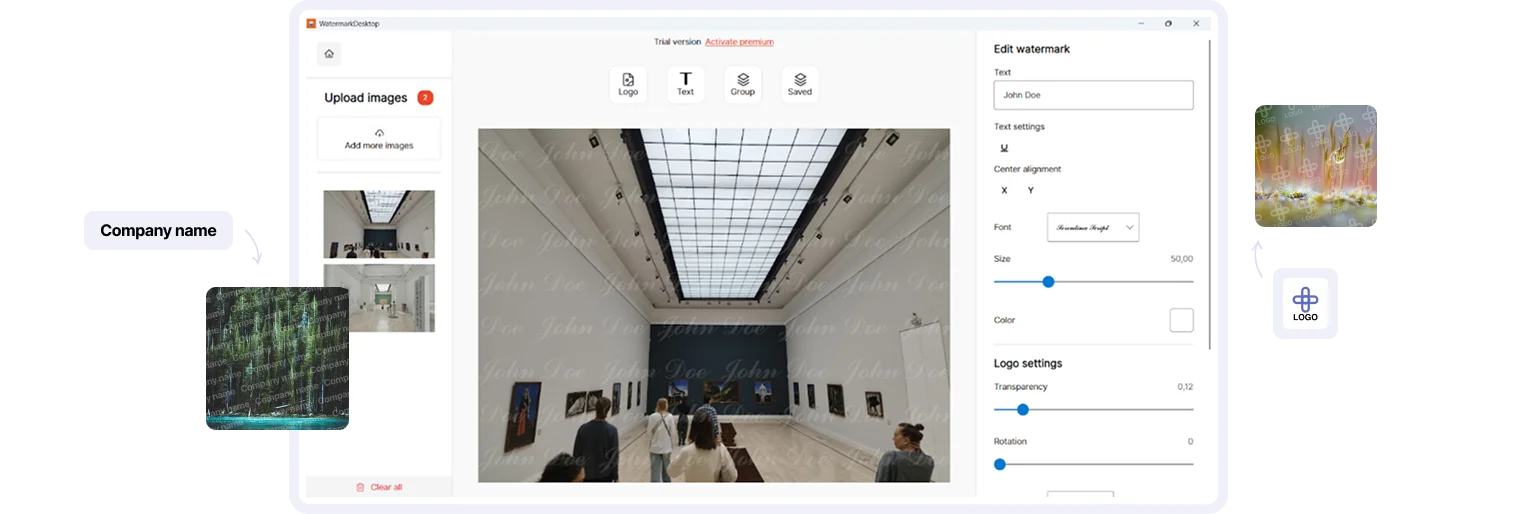
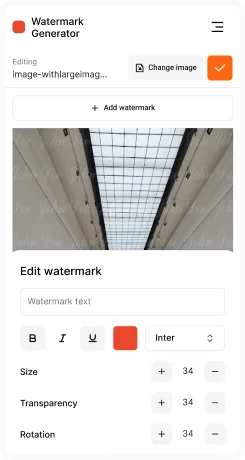
Create or edit your watermark
Customize your watermark to match your style. Insert text (such as your name, website, or brand), adjust fonts, colors, opacity, size, and rotation. Upload your own logo or use built-in templates to make your watermark unique.
Step 5
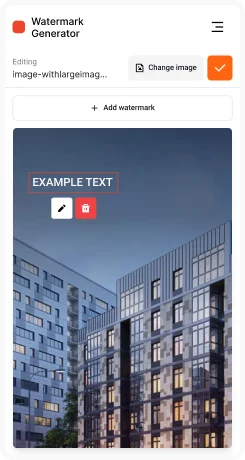
Position your watermark
Easily drag and drop your watermark to any position: corner, center, or across the entire image or video. Duplicate it multiple times for stronger copyright protection or keep it minimal for a clean look.
Step 6
Preview before saving
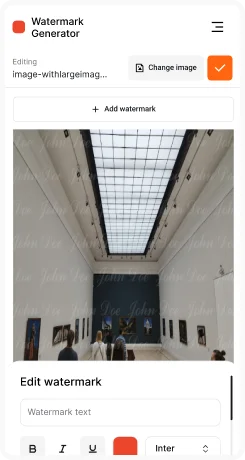
Check how your watermark looks before applying it. Make final adjustments and ensure it’s perfectly aligned. Once satisfied, apply the watermark with one click.
Step 7
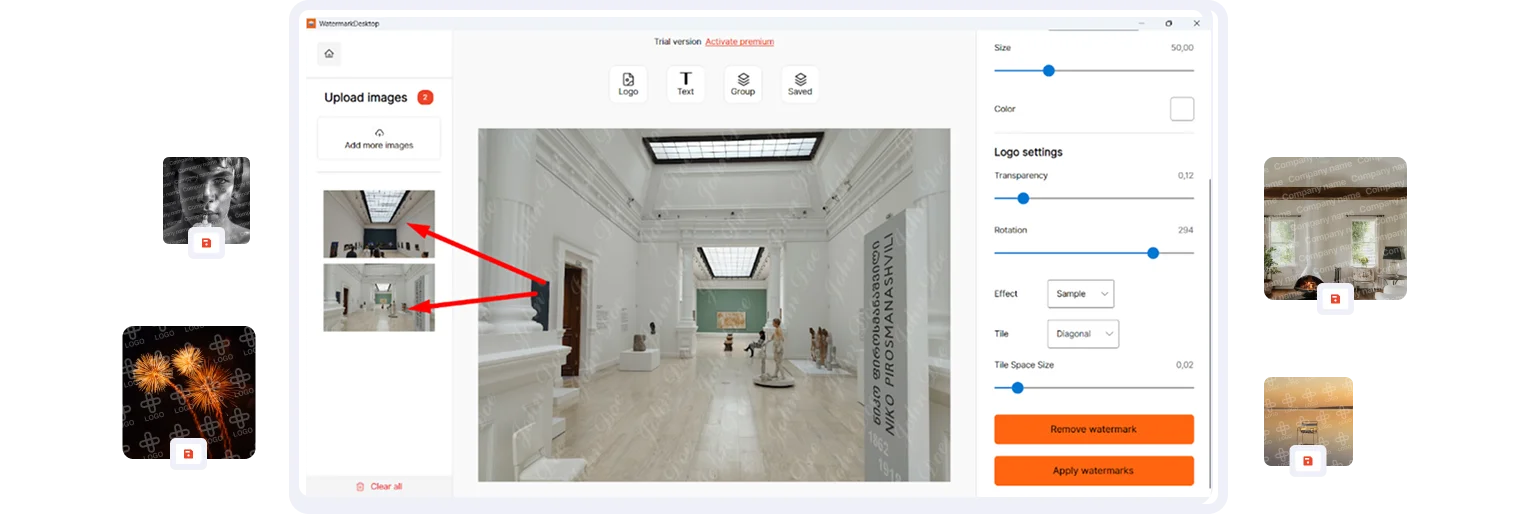
Export high-quality files with watermark
Export your watermarked photos and videos in high quality. Choose output format (JPG, PNG, MP4, AVI, and more), set the quality level, and save your files. You can also store your watermark settings as templates for future use.

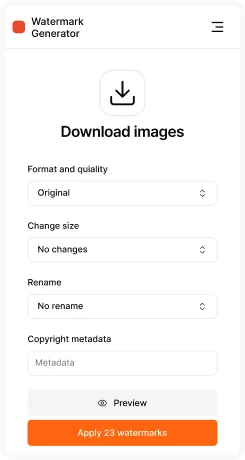
Add a custom text watermark to your photos or videos
Include your name, signature, or any personalized message to protect your content. Fully customize the font, size, color, and style to make your watermark uniquely yours.

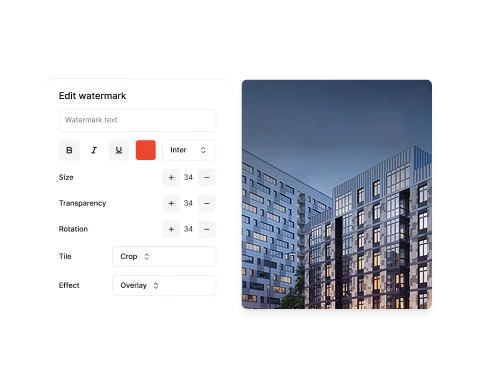


Protect your media with image watermarks by adding your logo or graphic
Use advanced tools to remove the background from your logo for a clean, professional appearance. Adjust size, transparency, and position for seamless integration on your photos or videos.
Batch watermark multiple photos quickly and efficiently
Add text or image watermarks to personalize and secure your content. Adjust font, size, color, and style for a professional touch on all your images.


Safeguard your videos with easy video watermarking features
Supports a variety of popular video formats, giving flexibility and ease of use for videographers and content creators.
Take full control of your watermark placement
Drag your watermark manually to the perfect spot, or use automatic positioning tools for quick and consistent results.


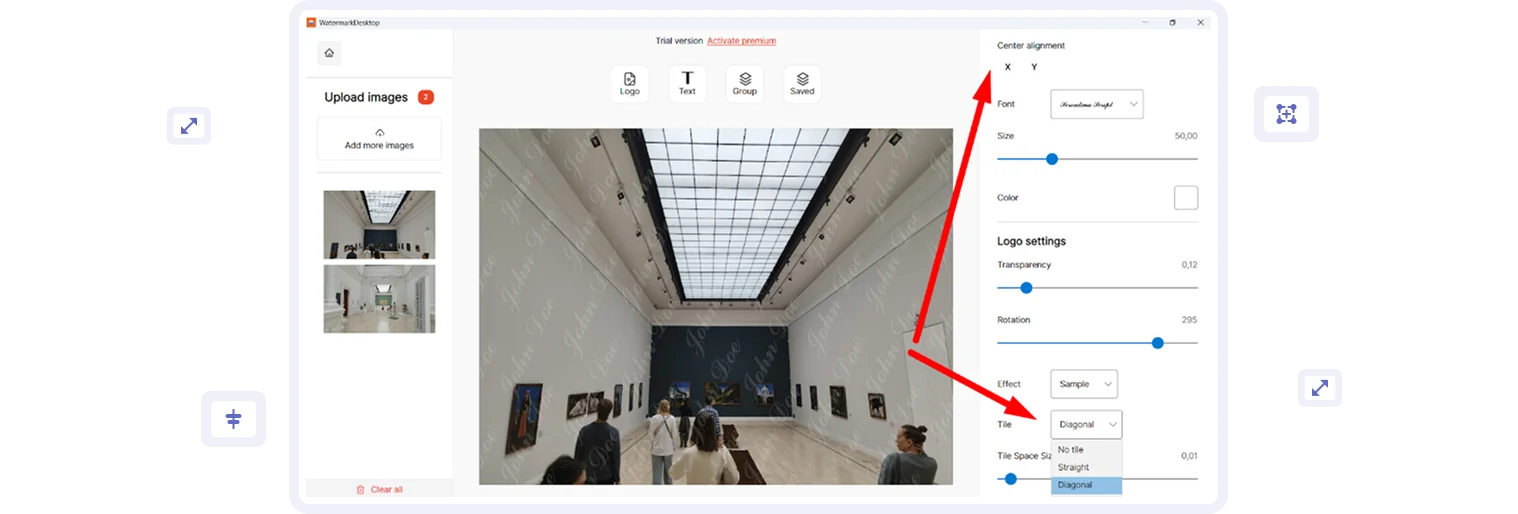
Secure your photos or videos completely by applying tiled watermarks
Choose diagonal, vertical, or horizontal patterns to prevent unauthorized use of your content.
Tailor your watermark to your exact needs
Adjust rotation, font, size, transparency, and other settings to create a watermark that complements your media.
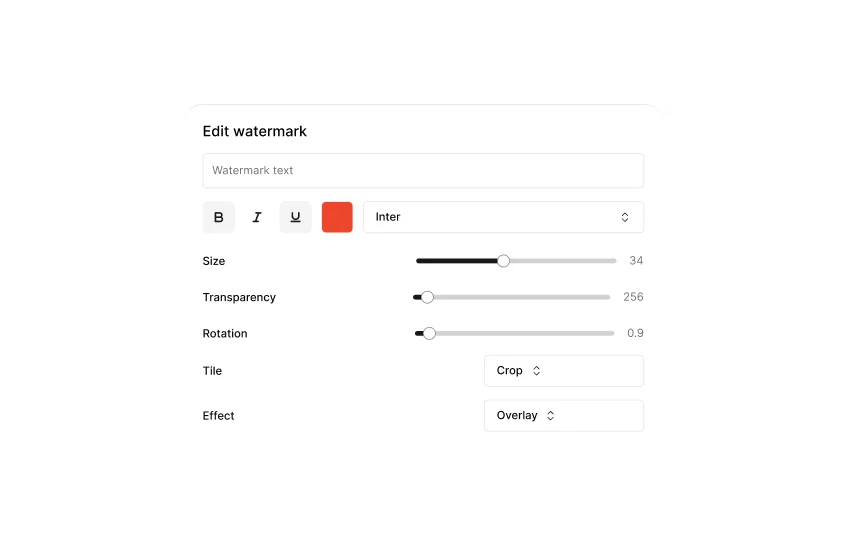
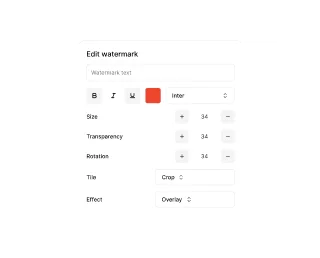
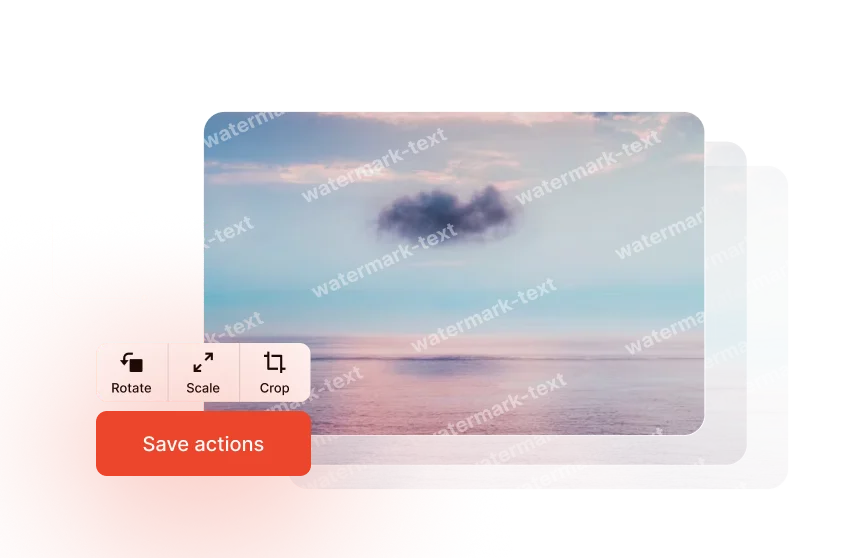
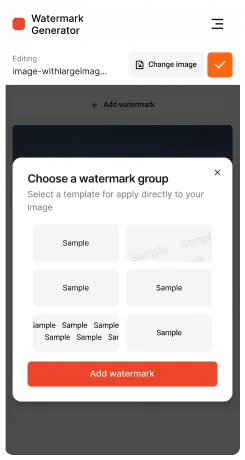
Save time with ready-made watermark templates or store your custom designs for future projects
Templates are perfect for recurring photo or video watermarking tasks.
Check your watermark before exporting
Ensure your photos and videos look perfect by previewing watermarked media before finalizing.
Who needs it?
Watermark Soft is ideal for photographers, videographers, and content creators who want to protect their images and videos from unauthorized use. This functional tool can handle everything from personalized watermarks to batch photo watermarking and video watermarking.






Watermark Soft
Create Your Unique Watermark in Seconds
Protect your photos and videos with a simple and easy-to-use watermark soft. Customize text, logo, font, and style to create a personalized watermark that suits your needs.


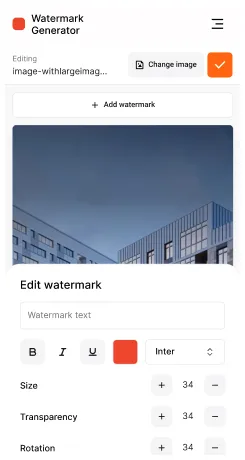
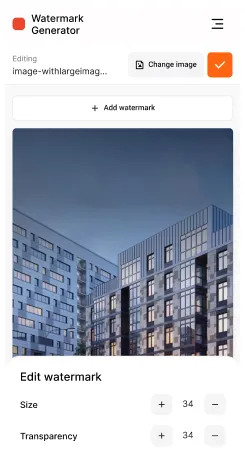
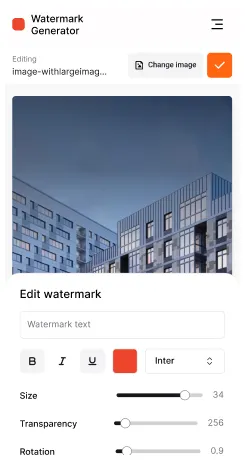
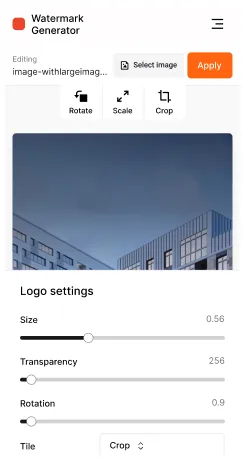
Screenshots
See examples of our photo and video watermarking tool in action. The intuitive interface allows you to add watermarks to images or videos in just a few steps, showing how fast and convenient the process is.








Testimonials

Great service! Convenient and fast to use. I added watermarks to all my photos in a couple of minutes. Now my work is safely protected!

Long looking for a simple tool to create watermarks, and finally found it! I really liked the ability to customize the font, color and transparency. I recommend it to everyone!

The service really helps! I upload dozens of photos at once, and watermarks are added instantly. No complications, everything is intuitive and easy to understand

Watermark Soft has become an indispensable assistant. Simplicity and reliability are exactly what I need. My images are now copy-protected
Great service! Convenient and fast to use. I added watermarks to all my photos in a couple of minutes. Now my work is safely protected!
Long looking for a simple tool to create watermarks, and finally found it! I really liked the ability to customize the font, color and transparency. I recommend it to everyone!
The service really helps! I upload dozens of photos at once, and watermarks are added instantly. No complications, everything is intuitive and easy to understand
Watermark Soft has become an indispensable assistant. Simplicity and reliability are exactly what I need. My images are now copy-protected

How does the watermark soft work?
The generator makes it easy to add a watermark to your images. You upload a photo, customize the text, font and watermark style, and then save the finished file.
Does the service support batch image processing?
Yes, you can upload several photos at once and add watermark to all files at the same time.
Can I use my own images as a watermark?
You can upload your logo or picture and customize its placement and transparency on the photo.
Can I customize the transparency and size of the watermark?
Yes, our tool allows you to adjust the transparency, size, font and color of the watermark to best suit your requirements.
Are my images stored on the server after processing?
No, we respect your privacy. All images are deleted from the server as soon as processing is complete.
Easily Create a Watermark for Your Photos and Videos
A robust tool for adding personalized watermarks to your content. Customize text, logo, and design style in just a couple of clicks to protect your photos and videos efficiently.