

 Premium version does not include an extra logo
How to Convert Images to JPG: Step-by-Step Guide
Looking to convert images to JPG quickly and easily? Our free JPG converter online helps you turn PNG, HEIC, BMP, TIFF, or WEBP files into high-quality JPG format in seconds.
With batch JPG conversion, you can process hundreds of photos at once. Whether you need to convert PNG to JPG, reduce photo size, or prepare images for websites, emails, or social media, our tool ensures your files stay light, optimized, and universally compatible.
Step 1: Choose Files to Convert
Launch the converter tool and click Upload images. You can add photos in formats like PNG, HEIC, BMP, WEBP, TIFF, or GIF that you want to convert to JPG.

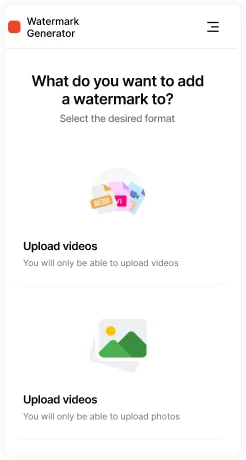
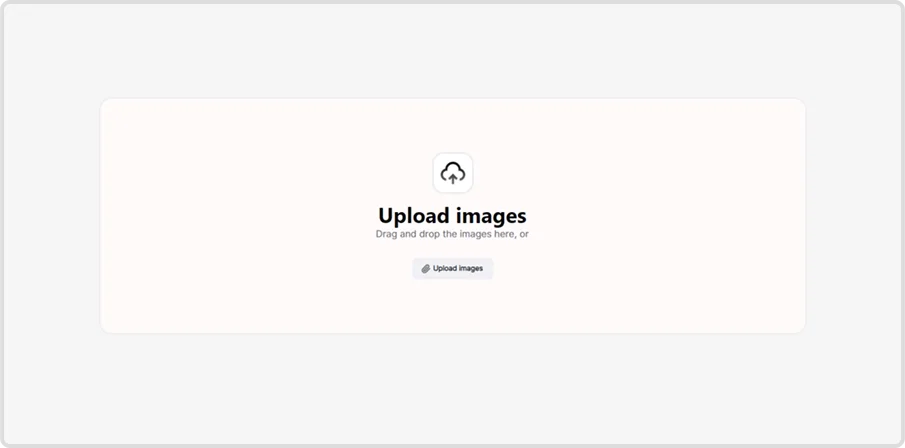
Step 2: Upload Files
Drag and drop your files into the window or select them manually from your computer. Multiple file upload is supported for batch JPG conversion.

Step 3: Adjust Conversion Settings
Choose quality level and JPG/JPEG as your target format. This ensures your files will be optimized for universal compatibility, smaller size, and faster online sharing.


Step 4: Export & Save
Click Apply and all uploaded images will be processed automatically. Once complete, download your files in JPG format to the chosen output folder.
Key Features of JPG Converter
- Batch conversion – convert hundreds of files to JPG at once.
- Wide format support – input PNG, BMP, WEBP, TIFF, HEIC, GIF, ICO, and more.
- Adjustable quality & size – control compression and resolution to balance file size and clarity.
- Fast processing – optimized engine for quick bulk JPG conversion.
- Cross-platform compatibility – JPG works everywhere: websites, emails, social media, and printers.


