

 Premium version does not include an extra logo
How to Compress Photos: Step-by-Step Guide
Want to compress photos online? Our image compressor reduces JPG, PNG, WEBP and other formats to a smaller file size while keeping your pictures clear.
With batch photo compression, you can optimize entire albums in seconds. Whether you need to reduce image size for web, speed up your website, or send photos by email, our photo compressor online ensures fast-loading, high-quality images every time.
Step 1: Choose Photos to Compress
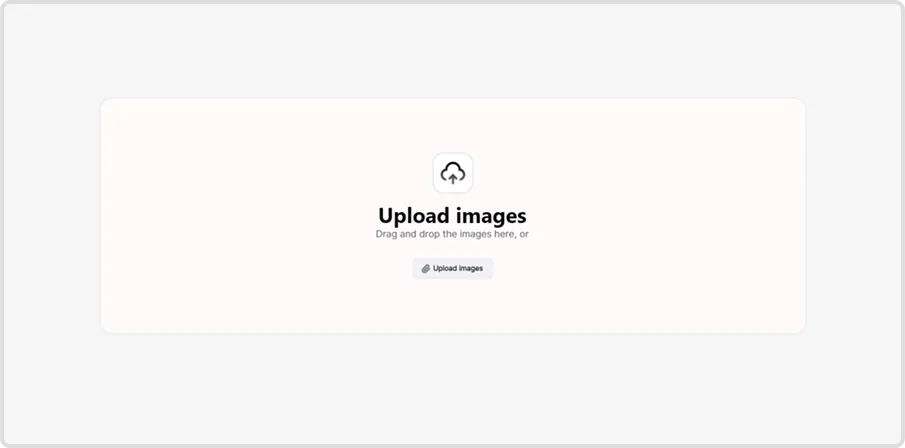
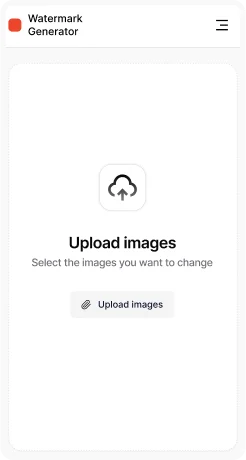
Open the photo compressor tool and click Upload images. You can add JPG, PNG, BMP, TIFF, or WEBP files that you want to reduce in size.


Step 2: Upload Files
Drag & drop your photos or select them manually from your device. The tool supports multiple uploads for batch photo compression, so you can optimize an entire album at once.
Step 3: Adjust Compression Settings
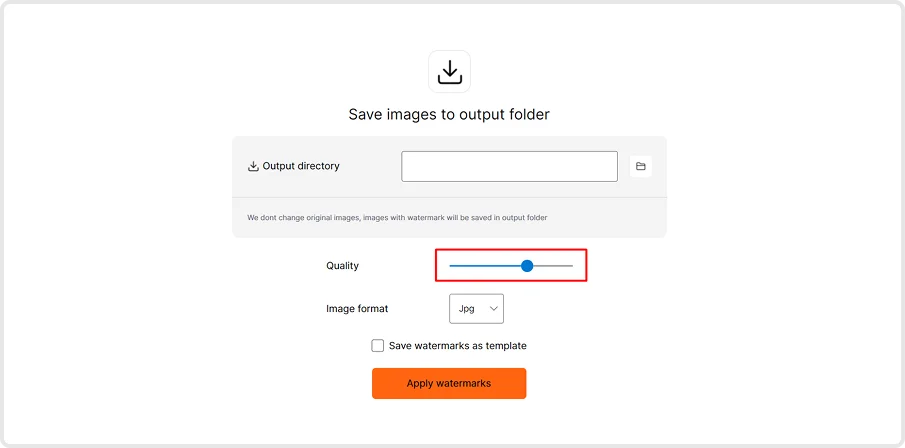
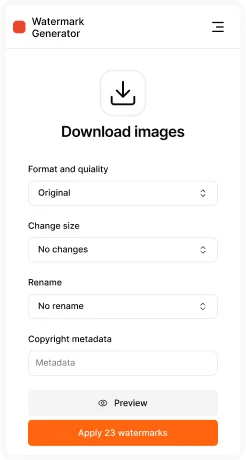
Quality level – choose between higher compression (smaller size) or better quality (larger size).
Step 4: Export & Save
Click Apply to process all uploaded files. Download optimized images in your chosen format and resolution.
Key Features of Photo Compressor
- Batch compression – compress hundreds of images at once.
- Supports multiple formats – JPG, PNG, BMP, TIFF, WEBP, and more.
- Adjustable quality – balance file size and clarity to fit your needs.
- Preview before saving – compare original and compressed versions in real time.
- Perfect for web & sharing – reduce image size for faster websites, emails, and social media.


